
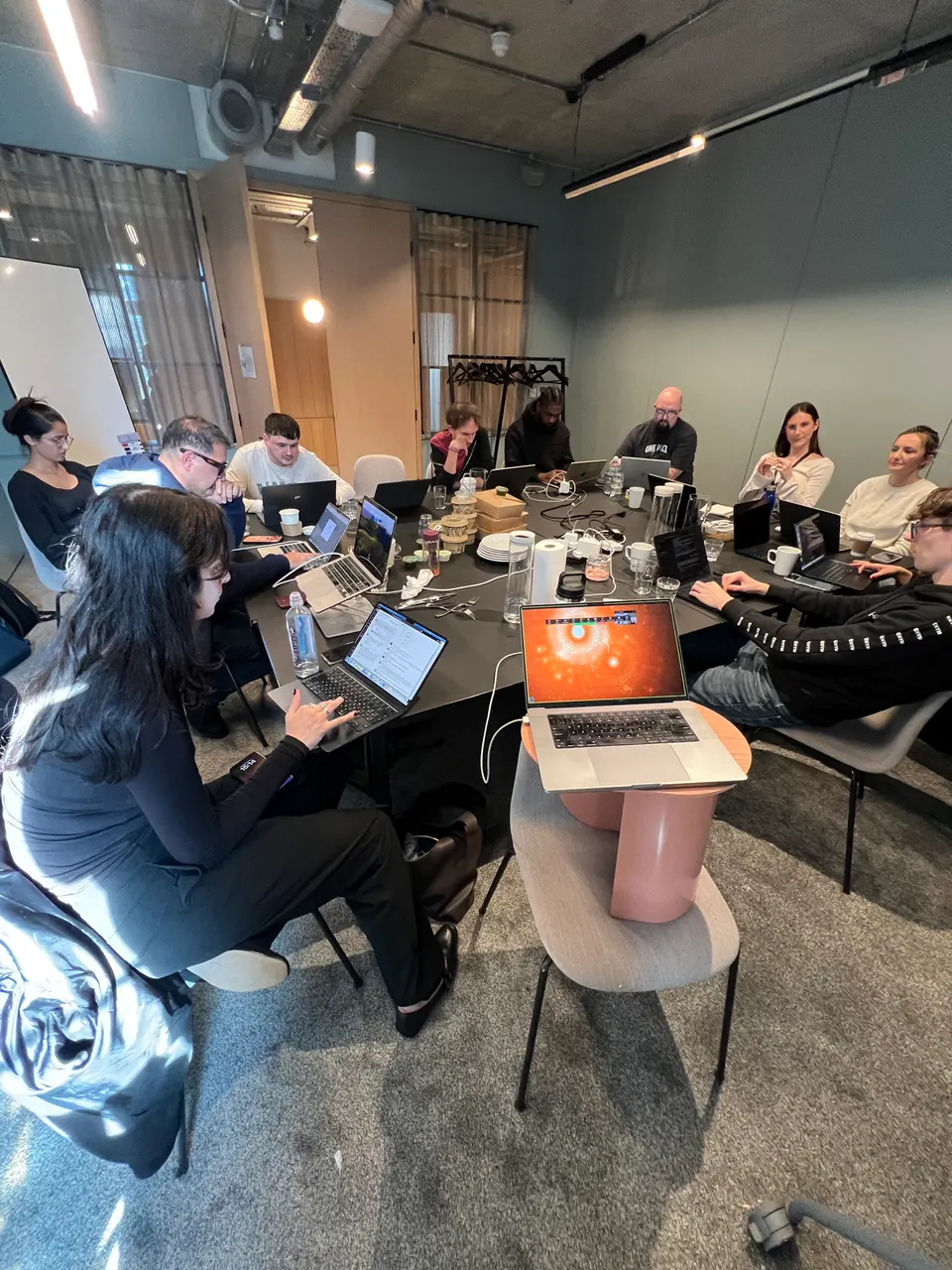
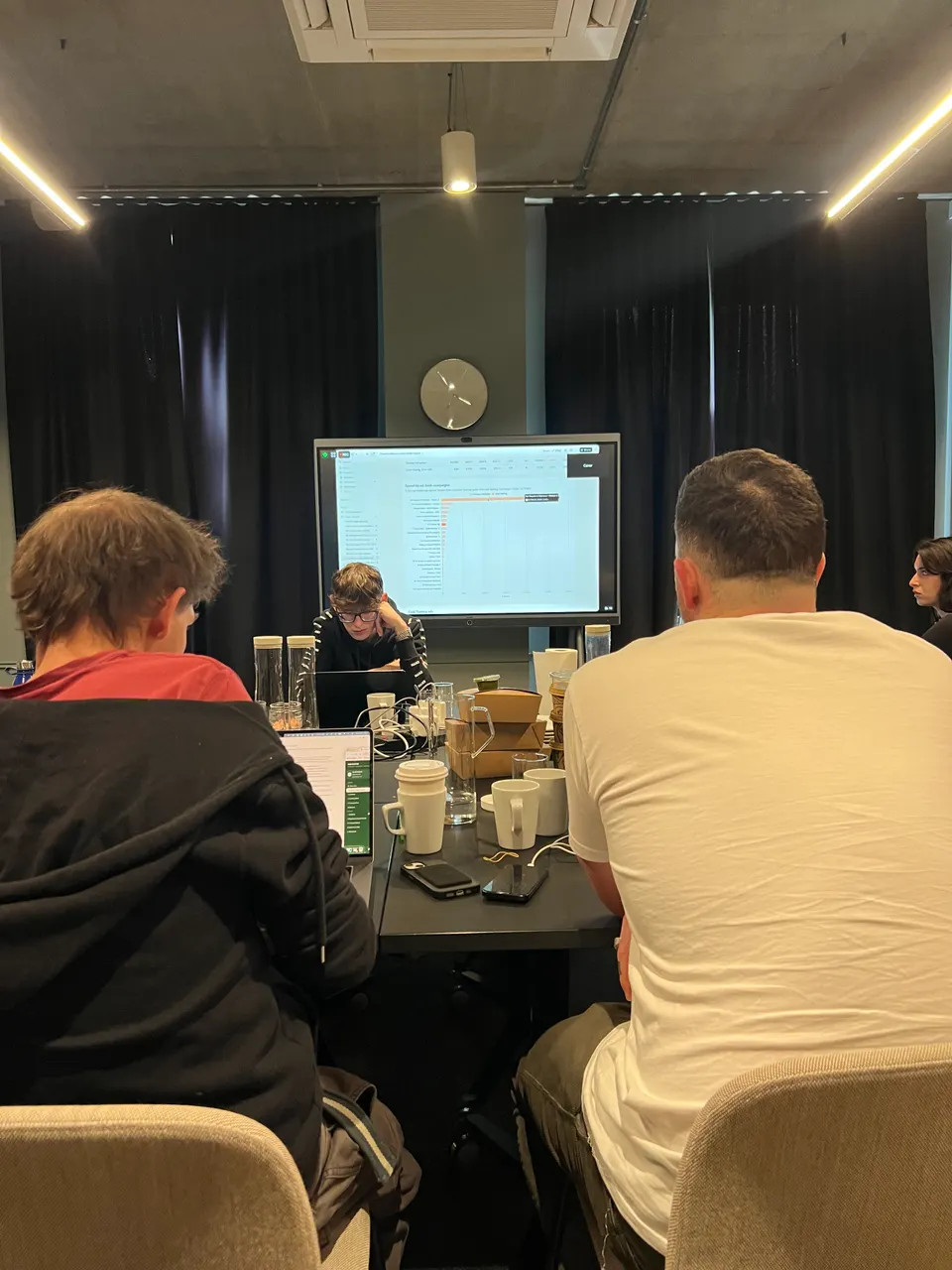
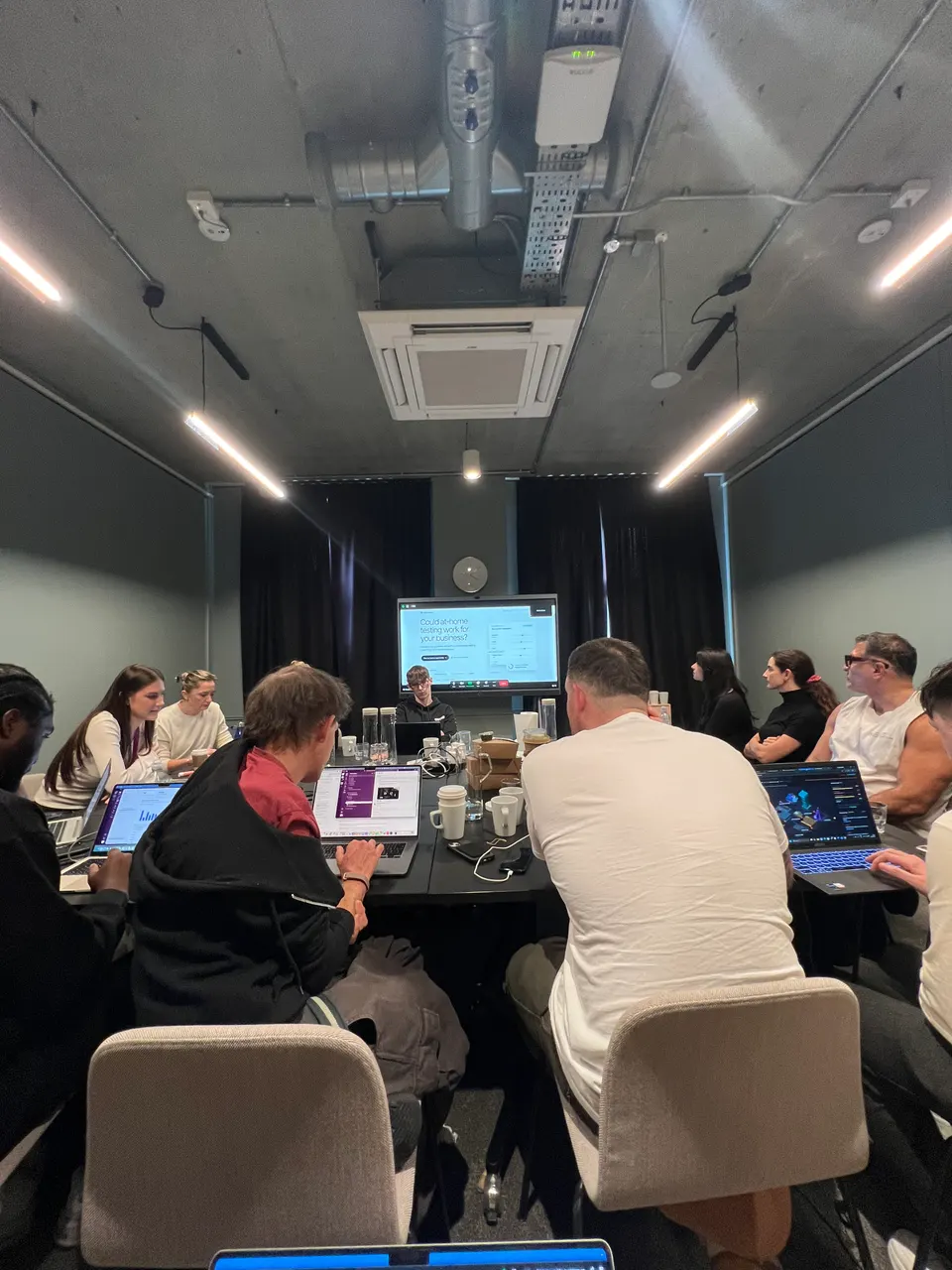
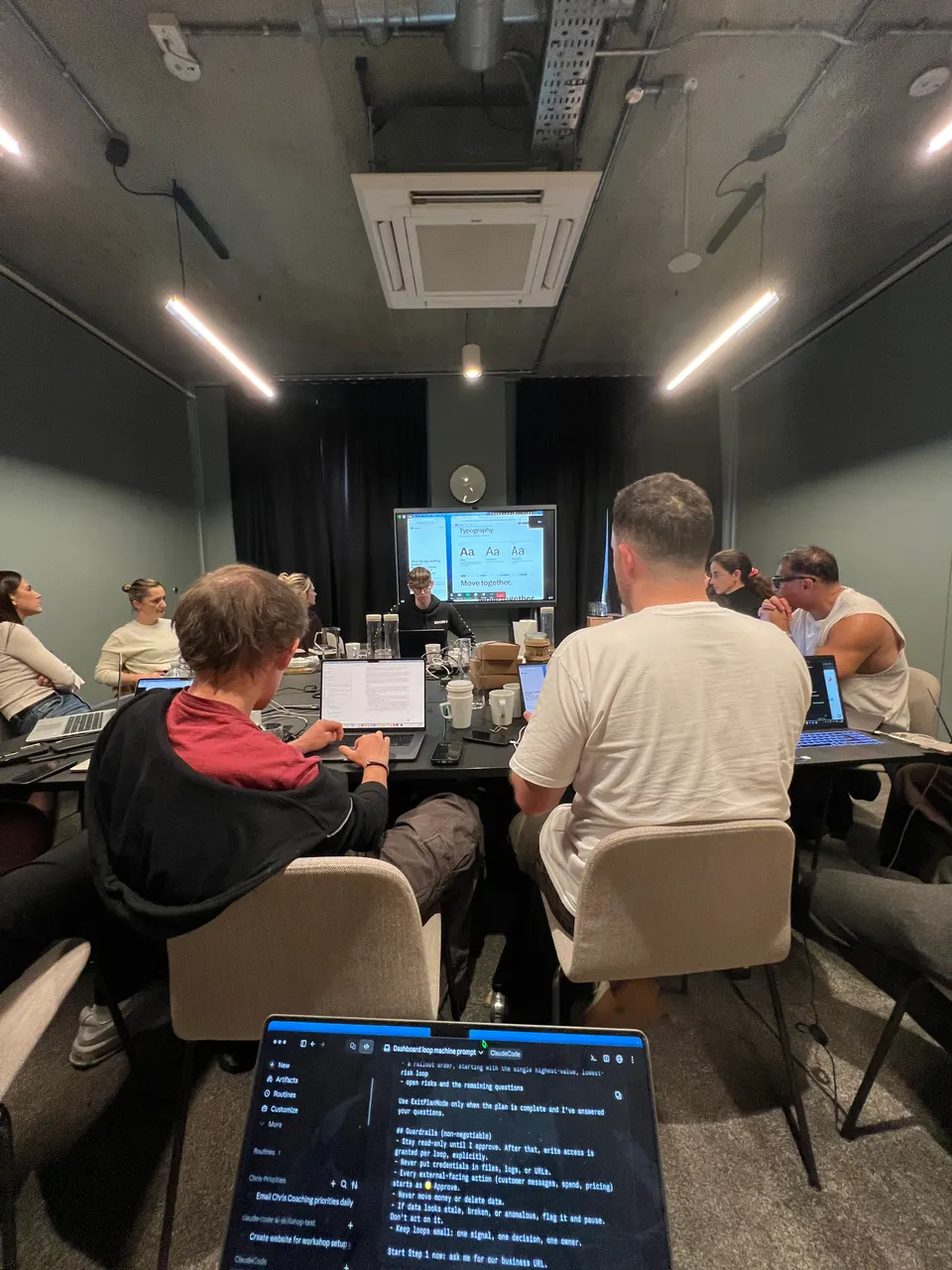
Youth and Earth is a London-based supplement brand selling through its own online stores in the UK, Europe and the US, through wholesale and retail partners, and on Amazon. We spent two days with the team at their office, with a few colleagues joining online. By the closing demo round on day one, the team had built 14 custom tools for their own work. On day two, they built an ad generation machine for on-brand Facebook and Instagram ads.
- Industry: Supplements and wellness, online and wholesale
- Who took part: About 15 people across leadership, operations, inventory, wholesale, e-commerce, design, content, video, SEO, events, partnerships and regulatory
- Format: Two days in person in London, with some colleagues joining online
Download the One-Page Case Study (PDF)
Inside the Workshop
The Starting Point
A lot of the work was manual and spread across many tools. Stock lived in spreadsheets and calendar reminders. Invoices and supplier payments were chased by hand. Returns took hours every week. Company knowledge was split across half a dozen apps, and marketing had no simple way to see what was working.
The goal for the training was simple: every person leaves with a working tool for their own job.
Set Up Before the Training
The build session only works if Claude can reach the company's real systems, so most of the setup happened before anyone sat down to build.
- Claude Team plan: a company workspace with the founder as admin, so every person logs in to the same account and shares the same connections.
- Onboarding call: a working session with the founder to connect business systems and decide what Claude is allowed to do with each one.
- Permissions by connector: every connector is set to allowed, approval-only or blocked. Team members see only the approved ones, and anything that moves money is blocked or needs approval.
- Around 30 connectors ready before training: so each person could build on live data instead of samples.
- Claude in Slack: added to the company workspace during onboarding.
- During the training: everyone installed the Claude desktop app, worked in Cowork in the morning and Claude Code in the afternoon, and used Claude in Chrome for web tools that have no connector.
Connected to Claude
Shopify, Slack, Microsoft 365, OneDrive, Google Calendar, Triple Whale, Air (the brand asset library) and the warehouse system. A growth consultant also built a custom connector for TikTok Shop ads.
Next to connect: Meta Ads, Notion as the company knowledge base, Figma, Google Analytics and the accounting system.
What the Team Built on Day One
Operations and inventory
- Inventory forecasting dashboard: Monitors stock and forecasts what will run out and where to send it, to prevent stockouts.
- Inventory, ordering and supplier hub (prototype): Demonstrates stock alerts, purchase orders and supplier emails in one place. The workshop demo used sample products; connecting live stock and supplier data is the next step.
- Returns automation: Demonstrates matching a warehouse returns report to orders and tagging cases for refund or resend. Completing the helpdesk connection and approval flow could reduce individual case handling.
- Invoice tracker: Collects invoices that arrive by email and Slack into one view of what is due, overdue, approved and paid, so no one has to chase.
“Everything's on one platform instead of using 25 different platforms to do the same thing.”Warehouse and stock team member, Youth and Earth
Demonstrating an inventory prototype with sample products
Sales and reporting
- Meta ads performance dashboard: Shows sales against target, cost per purchase and return on ad spend by campaign and by creative, so the team can see what is working at a glance.
- Wholesale performance dashboard: Pulls from the wholesale store and retail partners on a schedule, giving one view of wholesale sales, top products and top customers.
- Weekly SKU sales report: Updates net sales and units sold for every product automatically, over a 12-week view. The team estimated it saves one to two hours a week, and it feeds stock forecasting.
“Now I can just kind of let it be instead of each week having to rewrite the report.”Team member, Youth and Earth
Demonstrating a weekly sales report during training
Marketing, content and brand
- Trending content engine (prototype): Shows trending concepts, hooks, hashtags and captions, with a weekly Monday refresh configured during the workshop.
- Creator pipeline manager: Tracks every creator and influencer through outreach, contracts, pricing and payment, with payment reminders identified as a next extension.
- AI search visibility engine (prototype): Designed to track how the brand and its topics show up in AI tools, find content gaps against competitors, and draft articles to fill them.
- Design-brief generator (prototype): Lists the event and point-of-sale materials the team already has and drafts design briefs from existing brand assets, taking routine work off the design team.
- Living brand guidelines (prototype): Turns the static PDF brand guide into an editable web version that AI tools and creators can work from.
“So it gives me a lot of, you know, analytics that I wouldn't have time to dig through every single thing, which is amazing.”Content and social media team member, Youth and Earth
Demonstrating a content analytics prototype
For a sister business in the group
- Regulatory compliance bot: Reviews quality documents and registrations against current ISO 13485 requirements, proposes updates, and keeps version control and an audit trail. The prototype makes proposed changes and their history easier to review; auditor acceptance was not established in the workshop.
- B2B testing opportunity quiz: Scores how good a fit a prospective partner brand is for white-label testing and captures the lead, with a sales call booking planned as the next step.
Day Two: An On-Brand Ad Generation Machine
On the second day, the team built and tested an ad generation machine inside the business for on-brand Facebook and Instagram ad drafts. They used brand and quality scorecards to review the visuals, copy, product visibility and calls to action, then refined the rules to improve later drafts.
What Changed
The training started with each person building a small browser game, just to see what was possible. By the closing demo round on day one, the team showed 14 working tools and prototypes to each other, each one built by the person who does that job. Several demonstrations used real company data, including the ads dashboard, the wholesale dashboard, the weekly SKU report and the returns matching workflow.
What These Tools Could Change
The stock and sales tools could give the team an earlier view of products that need replenishing, while bulk returns handling could reduce time spent processing individual orders. The warehouse hub was demonstrated with sample products, so its value depends on connecting and checking the live data.
The day-two ad machine could turn a marketing idea into several draft Facebook and Instagram ads using the same brand rules. Shared scorecards give the team a repeatable way to review the copy, visuals and product visibility before choosing what to publish.
For recurring reporting, the team estimated that the weekly SKU report could save one to two hours a week. That estimate came from the workshop, rather than a measured follow-up.
What Comes Next
- Connecting the remaining business systems so more tools run on live data
- Turning the design team's files into a design system that Claude can use to produce on-brand assets
Train Your Team
Every Light School team training ends with your people building tools for their own work, not watching slides. See how team training works, or read more case studies.